01 Product & engineering
Gestique
A more hands-on way to learn.
Guided ASL practice, recognition feedback, and digital signing in one evolving product.
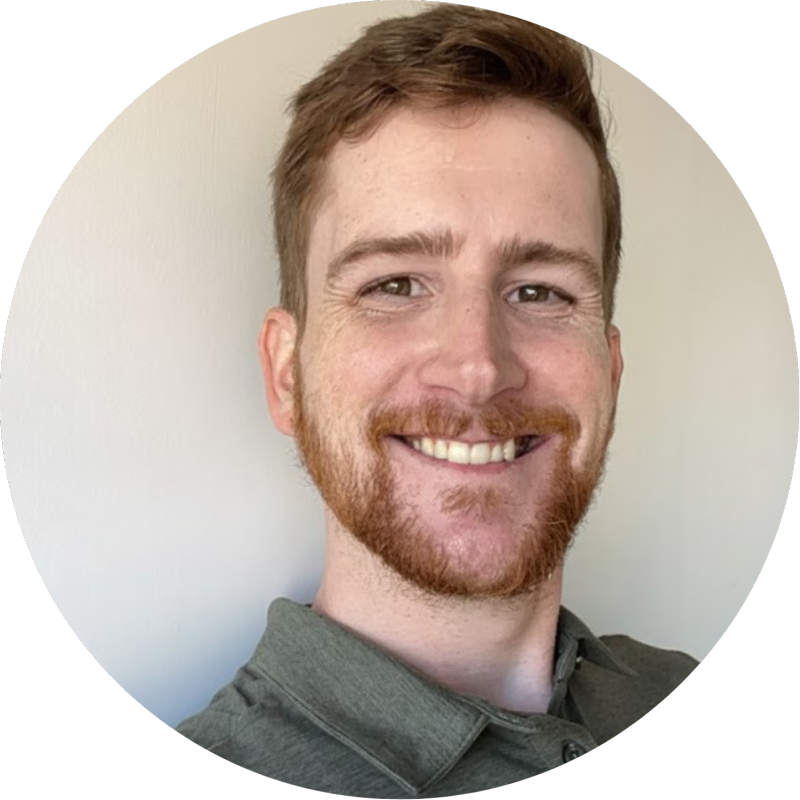
I’m Forrest. I build interactive products, from computer vision and native tools to the systems behind them.
SELECTED WORK / 01-06
Six projects. From the first interaction to the last mile.
01 Product & engineering
A more hands-on way to learn.
Guided ASL practice, recognition feedback, and digital signing in one evolving product.
BEHIND THE INTERFACE
A separate developer service brings together API keys, usage accounting, fingerspelling video delivery, and web, iOS, and Android SDKs.
Explore Gestique API ↗02 Browser extension
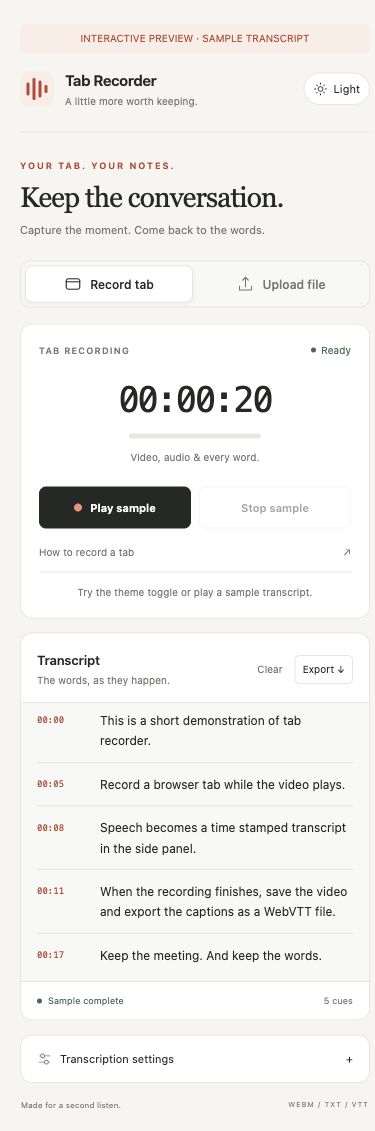
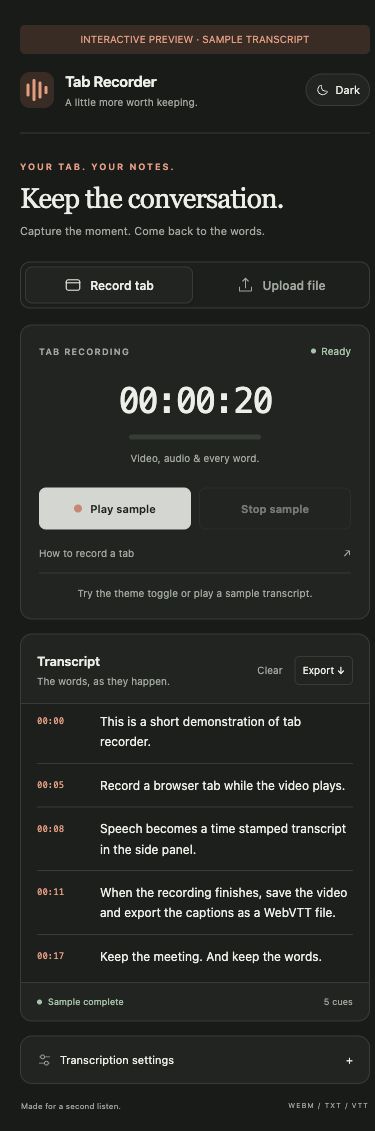
Keep the meeting. Keep the words.
Record a browser tab, transcribe its audio with Deepgram, and leave with the video, a transcript, and timed captions.
Record one tab. Keep working in another. Follow the original tab’s live transcript in the side panel.
03 Marketing workflow
A finished PDF. An editable email.
Recover text, images, and links when the original marketing design file is no longer available.
04 Native macOS
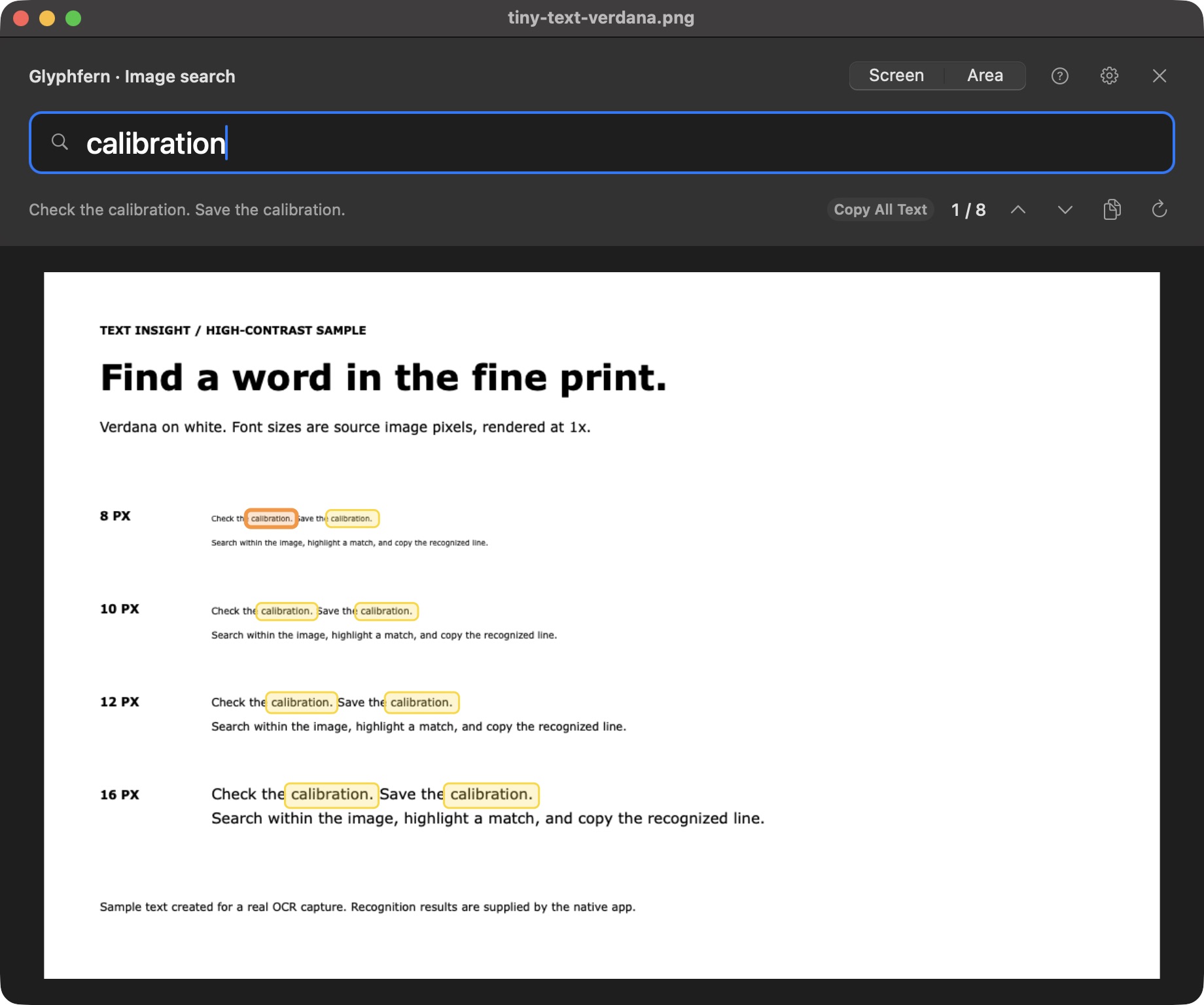
Find the words already on your screen.
Search visible text across apps and images, highlight matches, and copy what you need.
05 Local speech tools
Turn recordings into text, locally.
Live microphone previews, batches, and long recordings in one transcription workspace.
06 Browser tools
Small files. More control.
Turn video into a GIF with precise control over frames, colors, and dithering.

Earlier work and ongoing explorations.
Sentiment, extractive summaries, and embeddings. In a browser, Python, or an API.
Rust & WebAssemblyThe engineering behind an earlier startup: a multilingual Yew application and browser integrations.
Computer vision experimentA local workspace for prompted video segmentation and transparent exports.
About
From the interface people use to the data and infrastructure behind it.
My work spans banking software, workflow automation, and independent products. I like finding the connection between a difficult technical problem and something useful in everyday life.
Master of Science (M.S.) in Cybersecurity, Georgia Tech, in progress. B.S. in Information Sciences and Technology, Penn State.
Along the way
Java software development
Independent software development
Customer advising
Contact
A project, a collaboration, or a good technical conversation.
